Family nutrition tracker
Household profiles, parent-managed child records, shared meals, and careful fit boundaries.
Read the family tracker guideSnoaper resource
A practical index for households comparing family food tracking, shared meal logging, multiple profiles, private logs, grocery handoff, voice notes, lunch planning, meal prep, and eating out. The tools are planning aids, not medical advice.
FamilyMacro guides
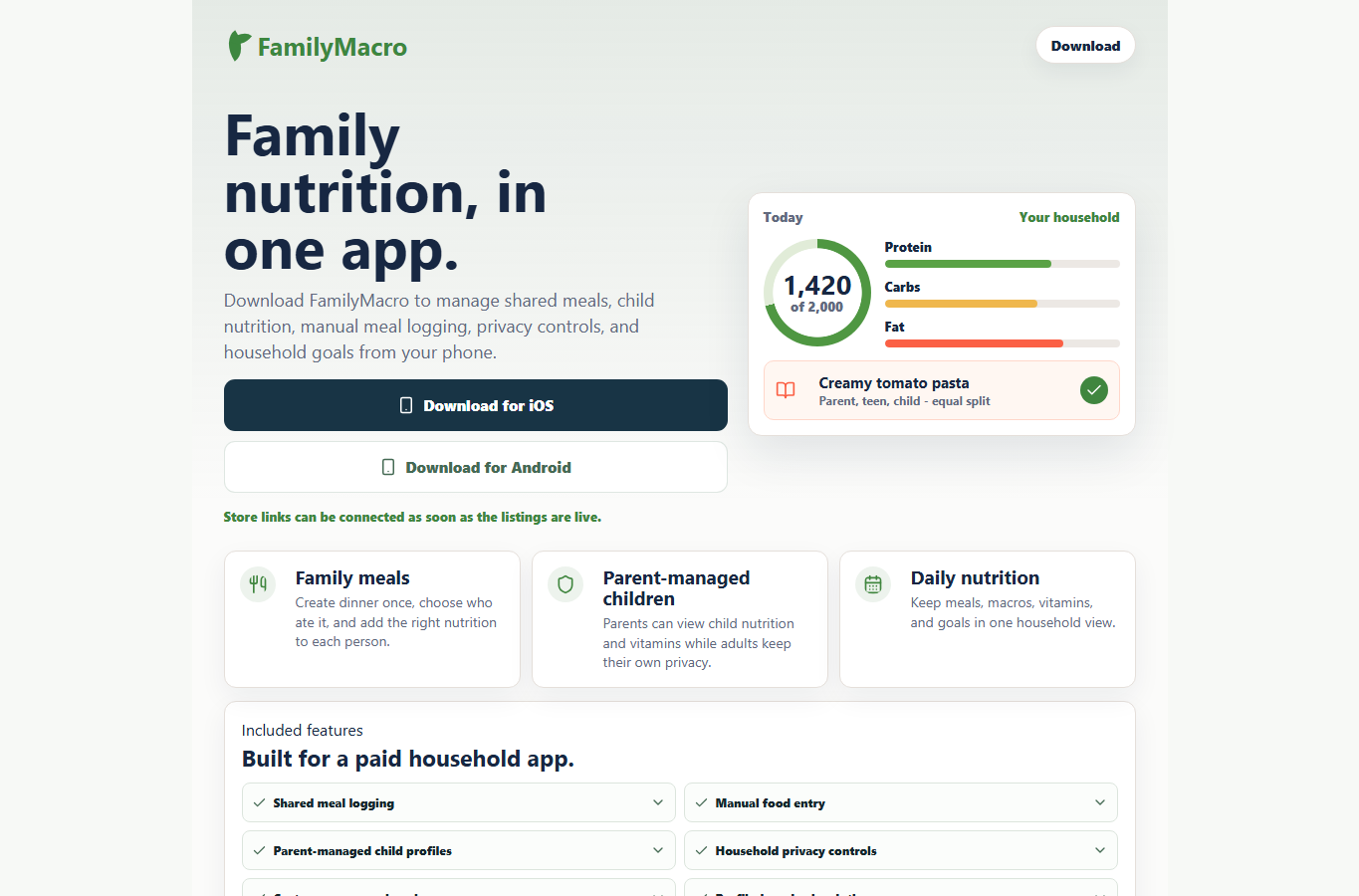
These FamilyMacro pages explain when a household tracker is useful, how shared meals and separate profiles work, and where the product is not the right fit.
Household profiles, parent-managed child records, shared meals, and careful fit boundaries.
Read the family tracker guideUse one family meal as a starting point, then review portions and leftovers per person.
Open shared meal trackingCompare separate accounts, shared access, recipe sharing, and true household profile workflows.
Read about multiple profilesPlan calories for households without treating every adult, partner, or child as one generic user.
View family calorie trackingUnderstand adult privacy, parent-managed child records, account-based access, and deletion routes.
Read privacy guidanceConnect recipes, shopping handoff, shared dinners, repeat meals, and reviewable food logs.
See meal planning guidanceSmall planning tools
These live tools help families think through common food-log decisions without signing up, paying, or sending personal health details.
Split one cooked meal by grams, servings, or percentages before saving it to household logs.
Open meal split calculatorMap adults, partners, children, shared dinners, and privacy needs into household profile roles.
Plan household profilesCompare one shared login, separate adult accounts, child profiles, local notes, and recipe sharing.
Compare account modelsDecide what should be shared, private, parent-managed, or agreed before export.
Plan food log privacyTurn packed lunches, school meals, leftovers, and after-school snacks into reviewable notes.
Prepare lunch notesBreak restaurant or takeaway meals into realistic household portions before logging them.
Plan restaurant portionsMore focused tools
Use these focused planners when the question is more specific than "which app should we use?" Each one links back to the relevant FamilyMacro guide without pretending to be medical, diet, legal, or security advice.
Turn a weekly meal idea into a practical shopping handoff before logging shared dinners.
Plan grocery handoffCheck AI-assisted food photo estimates before saving them to a household food log.
Review photo estimatesConvert a spoken meal note into a reviewable draft that names people, portions, and uncertainty.
Build a voice noteSplit one cooked meal into reviewable protein, carb, fat, and calorie estimates per person.
Plan macro portionsCreate per-container macro labels from one cooked batch before those meals repeat through the week.
Make meal prep labelsCompare solo, couple, family, shared-meal, multiple-profile, and privacy needs before choosing.
Check tracker fitReview weekly meals, grocery lists, shared portions, profile notes, and leftovers together.
Open meal planning checklistCompare ads, household privacy, child records, shared meals, and export expectations.
Check ad-free fitCompare profile count, family-plan pricing, support routes, and household subscription fit.
Check family plan fitDecide which meals, body metrics, snacks, goals, and future family profiles should stay separate.
Plan couple privacyCarry one cooked meal into leftovers and repeat logs without duplicating the original dinner work.
Plan leftoversSeparate ordinary parent-managed food notes from growth, allergy, medicine, or treatment territory.
Plan child-profile boundariesTrust boundary
These resources help with household organisation and reviewable food logging. They do not diagnose health conditions, assess child growth, manage allergies, prescribe diets, or replace professional guidance.
If you want to understand the editable reference defaults behind FamilyMacro's planning language, the public guideline-defaults page explains them as starting points, not medical or diet instructions.
Read the guideline-defaults context Read the FamilyMacro by Snoaper product page